New: Interactive Demo and Insights History Search Released
If you've ever opened a new analytics tool and thought "Great, now I need a manual just to find the good stuff," this one's for you. Insights – Powered by Trampolin.ai – just shipped two upgrades that make product research feel less like work and more like cheating (the legal kind): a fully interactive demo and a powerful new Insights History search.
Behind both of these Trampolin.ai new feature releases is a very simple idea: you should be able to find winning products fast
Why these new features matter right now
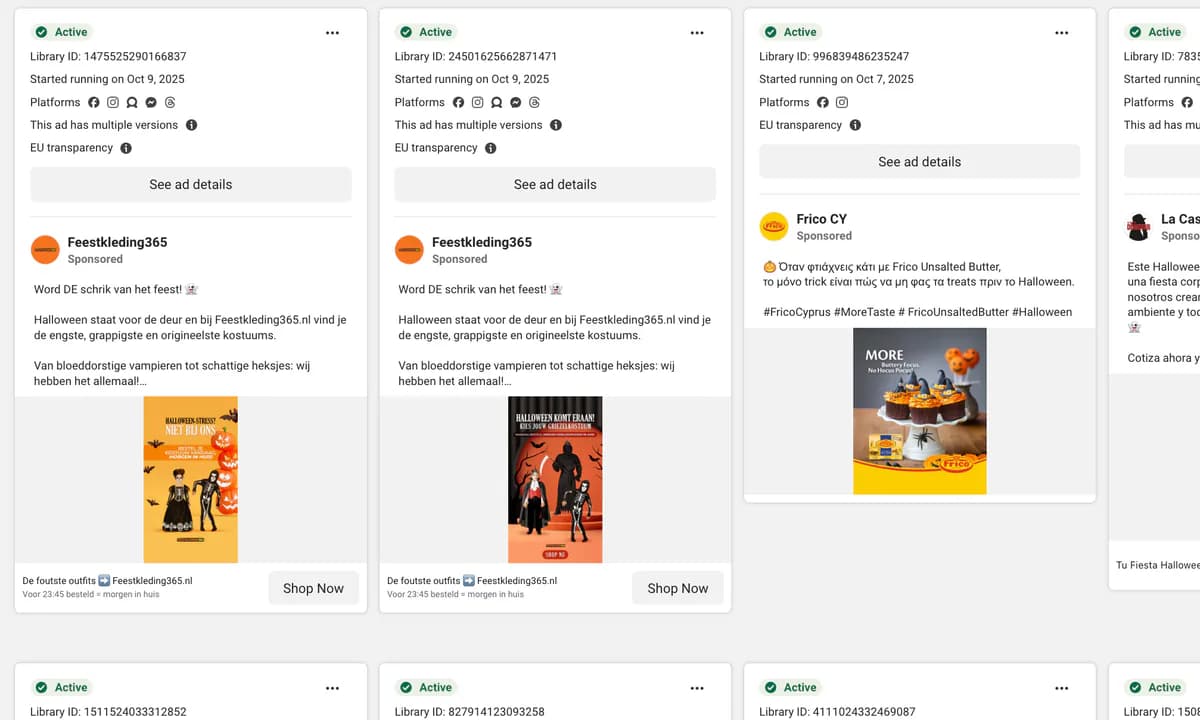
Meta's ad ecosystem is noisier than ever. Every day there are more products, more ads, more dropshippers, more brands, and more agencies fighting for the same eyeballs. The Meta Ad library winning products you saw last week might already be stale today.
That's exactly why we keep shipping added value instead of "me too" features. The interactive demo lets you see how Insights works in real life before you even create an account. The new Insights History search makes sure that none of your past research disappears into an endless list of exports, screenshots, and half-remembered URLs.
Together, they make it dramatically easier to spot patterns, revisit winners, and connect what you see in Meta Ad Library with what's actually moving among the top selling products on Shopify and other e-commerce platforms.
---------------------------
---------------------------
Inside the new Interactive Demo
The interactive demo is a guided, click-through experience of the real Insights dashboard. Think of it as "try before you even try" – you get to experience the core flows as if you were logged in, without having to set anything up.
In the interactive demo, you can:
- Walk through the full product analysis flow, from pasting a URL to reading the results. And more.
- See how Insights reads Meta Ad Library and Shopify signals and turns them into clear metrics: total ad reach, spend proxies, creative volume, trend curves, and more.
- Explore how we surface patterns that are hard to see manually – for example, products where reach is quietly compounding instead of making loud, short-lived spikes.
- Get a feel for the filters, charts, and tags that you'll use every day when hunting for scalable products.
Because you're stepping through a live UI, not just watching a video, you immediately see whether the workflow "clicks" for you: Is this how my brain likes to work when I'm researching products? If the answer is yes, you'll feel at home the second you log in for real.
How the Interactive Demo helps different types of users
Different users care about different things, so the demo is built to make sense whether you're a solo store owner, an agency strategist, or a data-obsessed performance marketer.
- Store owners see how fast they can go from "interesting product I saw in my feed" to clear signals on whether it's worth testing.
- Agencies can validate that Insights is a serious tool for competitive research and not just another "spy app" bolted onto the Meta Ad Library.
- Data people can examine how we visualize reach, growth, and saturation, and how those metrics connect to their own internal dashboards.
Want a quick, curated walk-through instead of clicking around yourself? You can also watch a short product walk-through via our Live Demo page.
---------------------------

---------------------------
Meet Insights History Search: your product-research memory
Every Insights user knows the feeling: you run a ton of analyses, screenshot a few charts, star some favorites – and then two weeks later you're asking, "Wait, what was that kids' toy from Germany that was quietly scaling in April?"
The new Insights History search solves exactly that. Instead of treating every analysis as a one-off, Insights now acts like a searchable archive of your research.
Search by URL or name
You can now search your past analyses by:
- Product URL – paste the same product or store URL again and instantly pull up previous runs.
- Store or brand name – start typing and let autocomplete surface past analyses tied to that brand..
Instead of re-running the same analysis over and over, you can now simply recall it, compare with today's numbers, and see how things developed. That's especially powerful when you're tracking launches or monitoring competitors over time.
Filters that separate noise from signal
Search is only half the story. The real magic is in the filters. With Insights History search you can quickly narrow down your past work using:
- Time brackets such as "last 7 days," "last 30 days," etc.
- Ad reach ranges so you can, for example, focus on products that reached at least a certain scale before you bother revisiting them.
- Favorites-only view, which lets you create a working list of "serious candidates" you've already shortlisted.
This turns your history into a dynamic workspace. Instead of scrolling through a long list of everything you've ever looked at, you can slice your past research in meaningful ways, like:
- "Show me all products I starred in the last 30 days that hit at least a mid-range reach."
- "Show me every store I analyzed before Q4 so I can focus only on proven winners for Black Friday campaigns."
---------------------------
---------------------------
Manual research vs Insights History Search
If you're still doing product research with a mix of Meta Ad Library tabs, screenshots, and spreadsheets, here's how that compares to using Insights and its new history search:
| Task | Manual workflow | With Insights History Search |
|---|---|---|
| Revisit a promising product from last month | Scroll screenshots, dig up spreadsheets, re-open old Meta Ad Library searches, hope you remember the exact URL. | Type part of the URL or name, filter by date, open the saved analysis in seconds. |
| Compare how several products scaled over time | Manually re-run each search, rebuild charts by hand, copy results into a document. | Use filters to surface previously analyzed products and compare charts side by side. |
| Onboard a new team member | Send docs, explain your personal naming system, forward spreadsheets. | Give them access to Insights; they can browse history and see a living record of what's been tested and why. |
The result: less admin, less guesswork, and a workflow that compounds over time. Every analysis adds to your private intelligence layer instead of disappearing after one use.
From Meta Ad Library browsing to launch-ready decisions
On its own, the Meta Ad Library is an incredible resource. You can see which products are being pushed hard and what creatives look like, but it's still just raw material. Insights sits on top of that and helps you move from "this looks interesting" to "this is worth putting money behind."
Here's how the new features tie into that flow:
- Use the interactive demo to understand how Insights thinks about reach, saturation, and growth before you ever log in.
- Start using Insights for real to evaluate products you spot in the wild and from Meta Ad Library winning products lists, using our reach and trend signals as a second opinion.
- Leverage Insights History search to keep track of what you've already evaluated, what made your shortlist, and what actually kept scaling.
Instead of treating every test as a roll of the dice, you build a feedback loop: test, learn, record, revisit, scale. That's how you consistently hone in on products with real staying power instead of one-week wonders.
Why this is high ROI even on a small budget
Let's talk money. Testing even one product properly isn't cheap. Between creatives, landing page work, and ad spend, you're effectively investing three to five times the product price just to see if it has legs.
The whole point of Insights is to help you avoid wasting that budget on obvious losers. With the new history search and interactive demo, you're not just buying a snapshot of the market; you're buying a repeatable process that gets better with every use.
- Interactive demo reduces the time to get comfortable with the tool and start making informed decisions.
- Insights History search means you never lose track of products you've already validated.
- Our pricing is designed to be a tiny fraction of what you'd spend testing even a single product from scratch.
If you want the exact numbers, you can always check out the latest plans and inclusions on our Pricing page.
---------------------------

---------------------------
When to use which feature
Not sure where these new tools fit into your week? Here's a quick cheat sheet:
Use the interactive demo when…
- You're new to Insights and want to see how it works before starting a trial.
- You're trying to get buy-in from a partner, team, or client and want to show them the interface without giving them your login.
- You're comparing tools and want to see how Insights handles real-world scenarios (not just pretty marketing screenshots).
Use Insights History search when…
- You're planning your next round of product tests and want to start with proven contenders.
- You're revisiting a niche you tested earlier in the year and want to see what kept scaling.
- You're managing multiple stores or clients and need a fast way to jump between past analyses.
Used together, the interactive demo and history search give you a full arc: discovery, evaluation, and long-term tracking – all in one place.
---------------------------
---------------------------
FAQs about the Interactive Demo and Insights History Search
Do I need an account to use the interactive demo?
No. The interactive demo is designed so you can experience Insights without creating an account first. The demo is readily available on our website. When you're ready to go deeper, you can then create a full account and start analyzing your own URLs.
Does Insights History search cost extra?
No. History search is included as part of the Insights experience. It's there to make your existing analyses more useful, not to add another line item to your bill. More similar features will be added throughout.
How much historical data can I see?
Insights focuses on giving you a clear, actionable view of recent performance. You'll typically be able to evaluate how products and ads have behaved over recent months, which is where most product decisions are made.
Where can I learn more about what Insights can do?
If you want to dive deeper into what's under the hood, data sources, and everything else, our FAQ covers the most common questions.
Other ways to try Insights: Live Demo and Free Live Test
The interactive demo inside the site is just one way to get a feel for Insights. If you prefer to sit back and watch a curated walk-through, you can watch our short Live Demo to see how real analyses are run from start to finish.
Want to push real URLs through the system instead? Our Free Live Test option lets you experience Insights on actual products without committing to a full workflow yet.
Free Trial: How to Sign Up for Insights - Powered by Trampolin.ai
If you're ready to move from "this looks interesting" to actually using Insights in your own product research, starting a trial takes less than a minute.
Here's all you need to do:
- Go to our free trial page.
- Create your account with a few basic details.
- Log in, paste your first product or store URL, and start analyzing.
Every plan starts with a 14-day free trial, and no credit card is required to get going. That gives you enough time to explore the interactive demo, run real analyses, build your own Insights History, and confirm that the ROI is there before you decide on a plan.
If your goal is to find winning products fast, spend less time guessing, and more time scaling what works, these new features are there to give you an edge – today, not "someday when we catch up." We lead. We don't follow.